Free AI Recolor · 0 credits
Recolor any product photo. Free, no watermark.
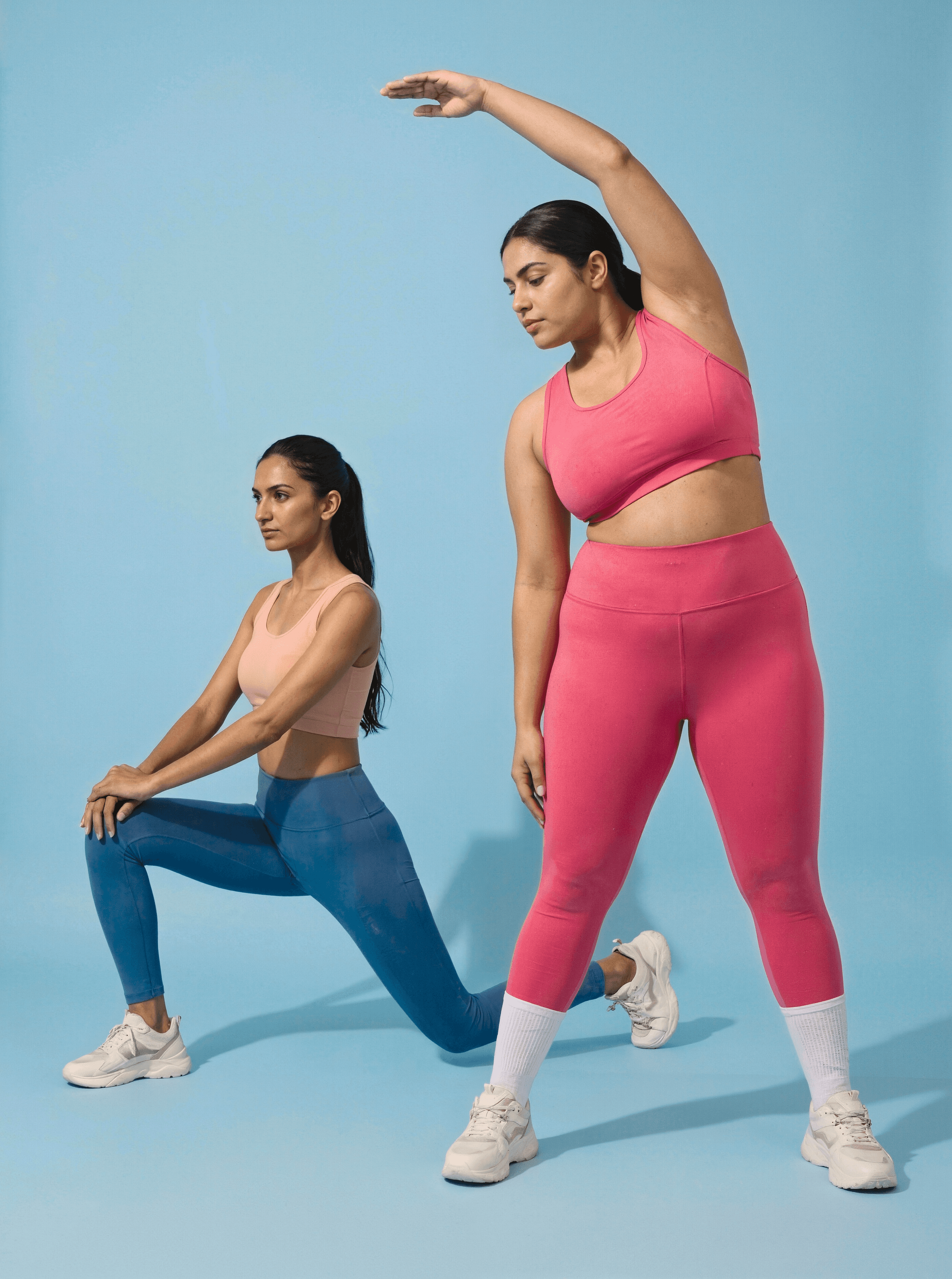
Drop in one product shot, pick the colors, and get recolors that keep the fabric, the stitching, and the logo intact.
Trusted by H&M, Puma & Steve Madden · 10× faster · 99.3% cheaper than a studio











One upload in. Every color out.
Drop in the original product shot, pick a color, and the recolor comes back with the fabric, logos, stitching intact.

→

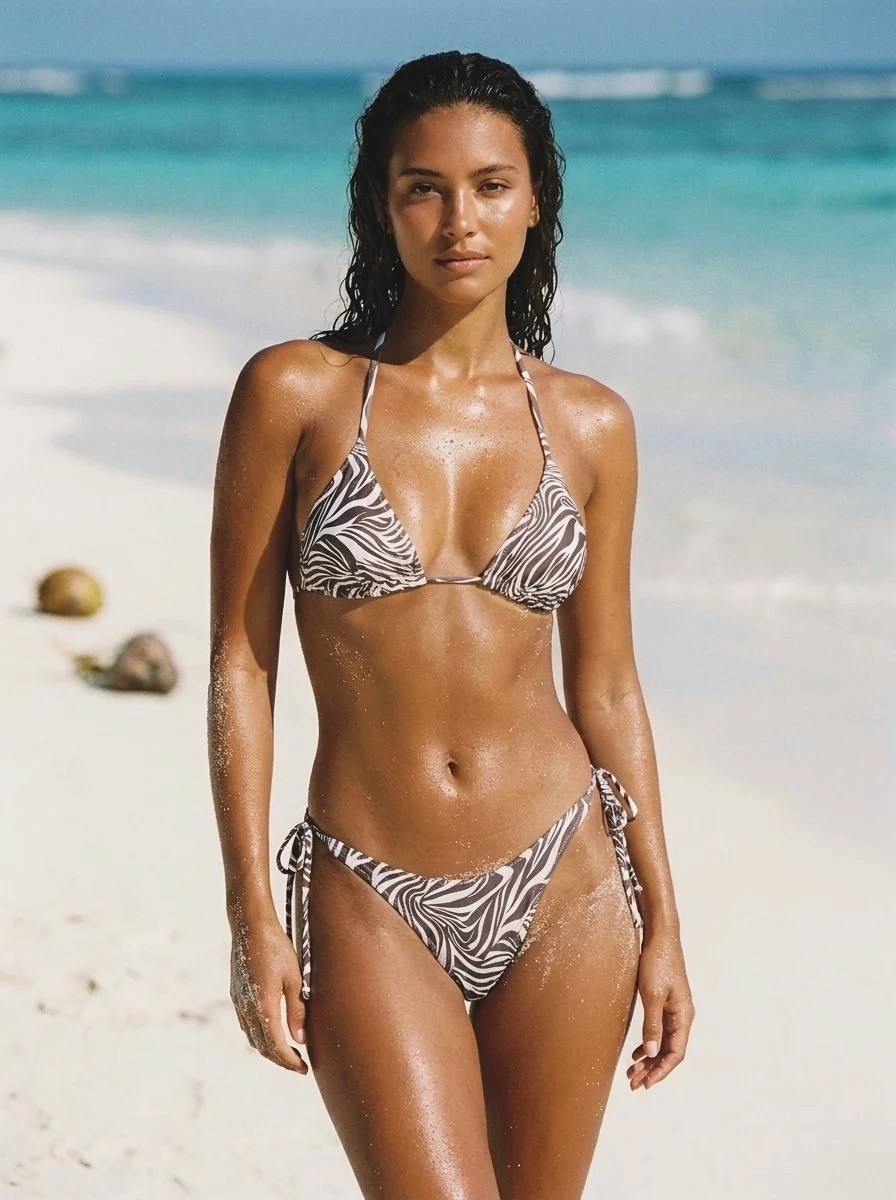
catalog on model · new colorway

→

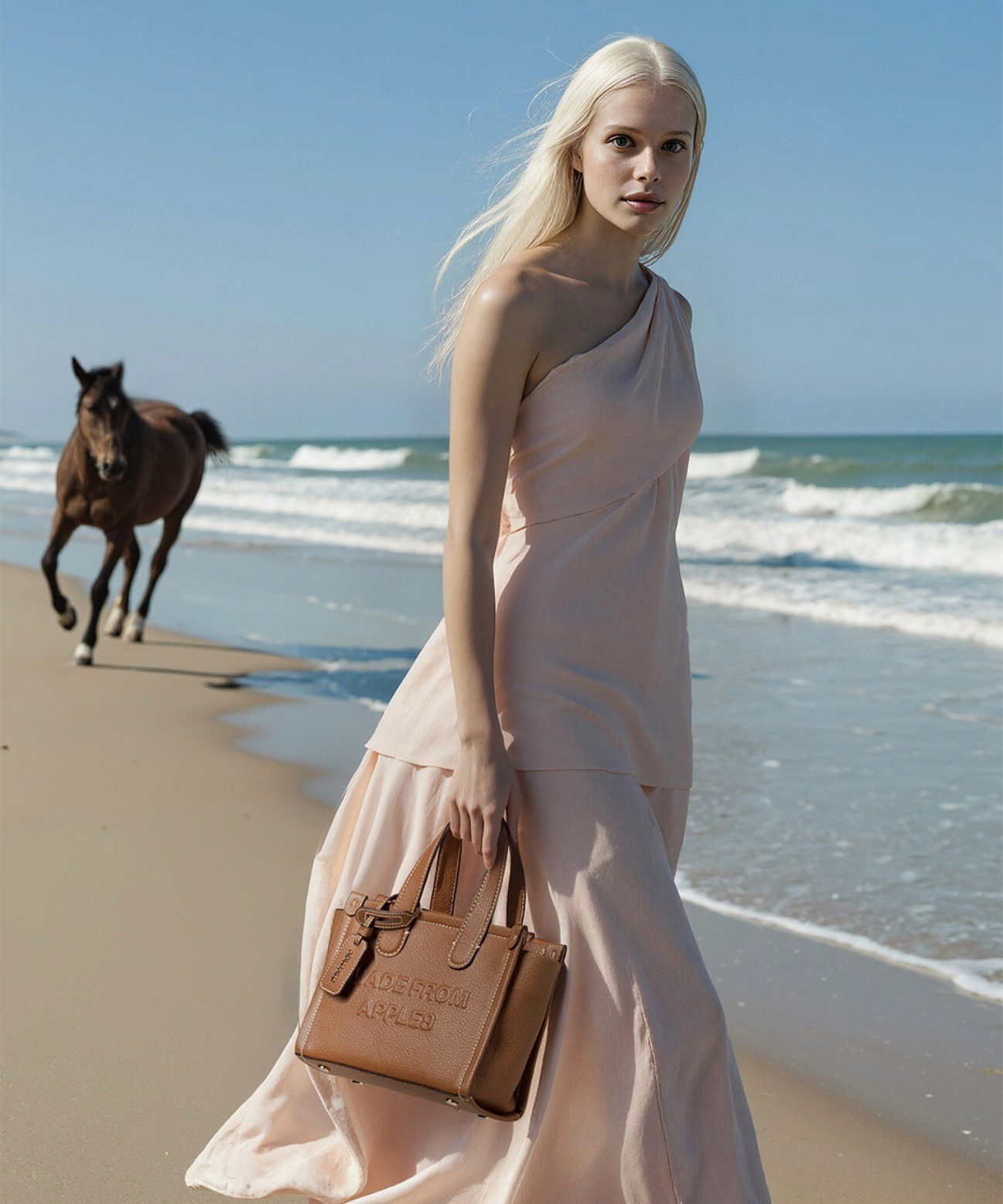
editorial on model · new colorway

→

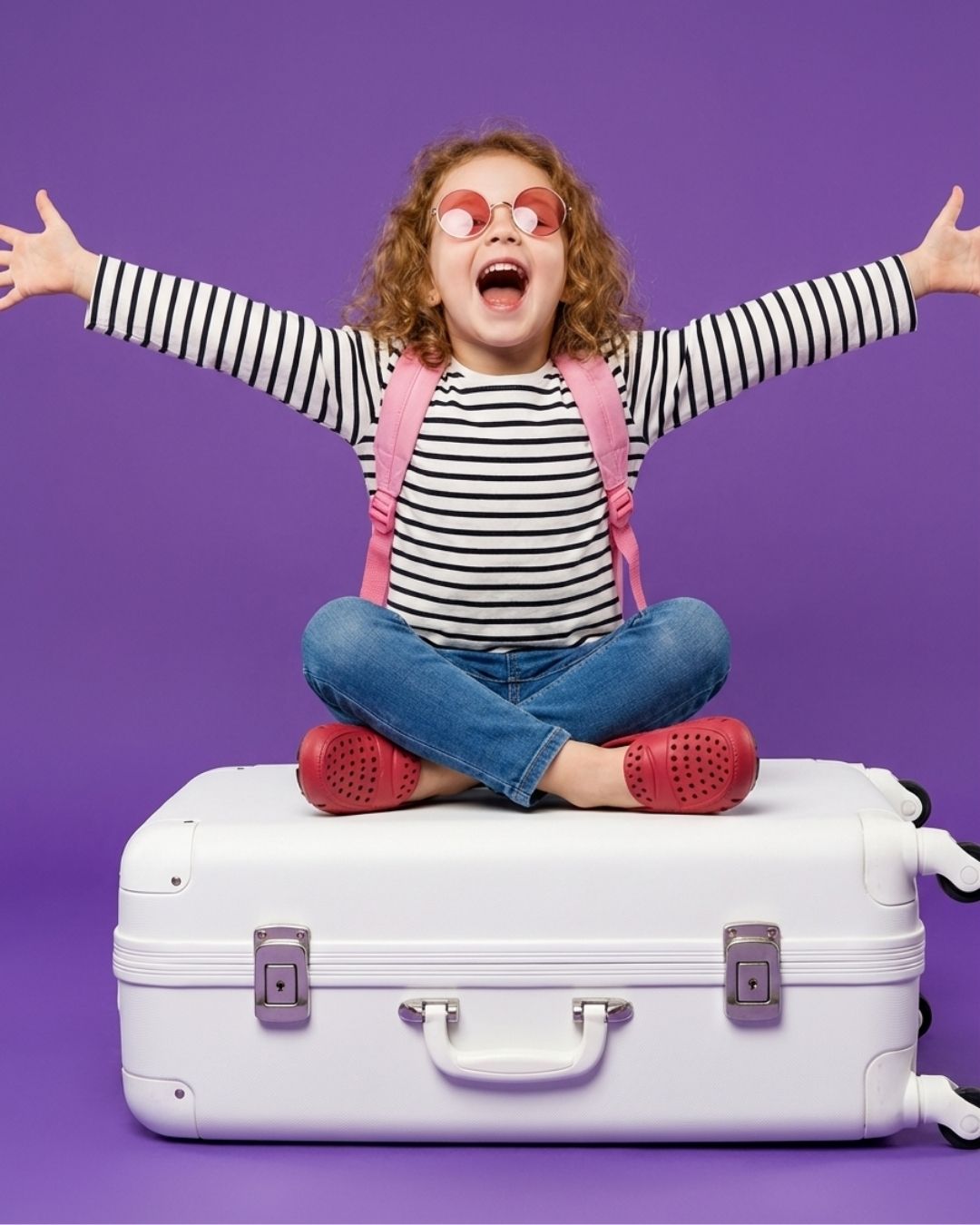
flat lay · new colorway
Free recolors. No credits. No watermark.
Most “free” recolor tools give you one run, then stamp a watermark across it or ask for a card. Caimera’s recolor is just free — zero credits, no watermark, no per-image fee. Recolor one product or your whole drop and drop the output straight onto a PDP, into an ad, or into a Shopify variant image.
Caimera
Photoroom
Fotor
Krea
Cost to recolor
Free · 0 credits
Paid / limited
Paid / limited
Credit-based
Watermark
None
Yes (free tier)
Yes (free tier)
Varies
Usage cap
None
~1 free
~3 free
Trial credits
Hex code input
Yes
Limited
Limited
Yes
Selective Recolor
Yes
Inconsistent
Inconsistent
Variable
Supports On-Model
Yes
Generic
Generic
Generic
Three steps. About 90 seconds.
No prompts, no settings to learn. Upload, pick a color, download.
1
Drop the product photo
Apparel, footwear, accessory, beauty, home — anything with a recoverable surface.
2
Pick the area and the color
Paste an exact hex code (#A33B2A) or use the swatch picker.
3
Download
Recolors render in seconds. Iterate as many times as you want — it’s free.
Generative AI melts the logo. Caimera doesn’t.
Why not just use GPT or Gemini?
Flattens Fabric Weave
Smeared Stitching
Shadow and lighting shift in every generation
The logo merges into a waxy blob
Impossible to prompt exact hex codes

Generic AI

Caimera
Made for real products, not just simple cut-outs.

Preserve Motifs
Recolor just the part that changes
Multi-color products — ribbing, buttons, panels, soles, trims — don’t have to move as one block. Select the exact area you want to change and leave everything else untouched. Most tools repaint the whole image; Caimera recolors only the piece you mean.
Works on on-model shots, not just flatlays
Recolor a garment while it’s still on the model — no separate flatlay required. Most recolor tools only handle flat product cut-outs. Caimera recolors on-body and keeps skin tones, shadows, and fabric drape intact.

Don’t reshoot. Recolor.
Every new colorway used to mean another studio day. Now it’s a free upload — same product, new colors, ready before the samples land. Apparel, footwear, accessories, beauty, and home.

Recolor is free. The rest of the catalog shoot is one click away.
You recolored a product in seconds. Now put it on a model, shoot the campaign, and make the video — without booking a studio.
Editorial
Turn one product photo into a full editorial campaign — no prompting.
AI Fashion Models
Put your product on diverse AI models, any pose or look.
Catalog Images
Turn a flatlay into 50 on-model catalog shots.
Video
Drop in a few images, get a ready-to-post Reel or TikTok.
Clean ghost-mannequin PDP shots from on-model imagery.
Templates
Ready-made art-direction templates for your next drop.
Sketch to Image
Turn a designer sketch into a photoreal product image.
Print Designer
Design and preview prints on product before production.
Results, not renders.
10×
faster than studio variant photography
99.3%
lower cost
per image
7.3×
sales lift across brands shipping with Caimera
50%
higher CTR on Caimera-generated creative
“We shipped a full color drop the same afternoon the samples landed — no studio, no reshoot, and the navy actually looked navy.”
— Brand Team, Global Fashion Retailer
Frequently asked questions
Is recolor really free?
Yes. Recolor costs zero credits — no watermark, no card, no per-image fee. Recolor as many products as you want.
What’s the catch?
None on recolor. It’s the front door to the Caimera platform — once you’ve recolored, most teams want the rest of the shoot (on-model, editorial, video), which is where paid plans come in.
Do I need an account?
You can recolor on the page for free. Create a free account (no card) to download full-resolution files, save your work, and recolor in batch.
Does the AI preserve fabric texture and shadows?
Yes. Caimera is trained on the catalogs of brands that ship — H&M, Puma, Bestseller, Steve Madden, Superdry. Texture, stitching, and lighting stay consistent across variants.
Can I input an exact brand hex code?
Yes. Hex-code-in is the default. Pick from the swatch picker or paste the exact #RRGGBB and the AI matches it.
Does it work on apparel, footwear, and accessories?
Yes — apparel, footwear, accessories, beauty, and home are live. Apparel is the most mature category.
How is this different from Photoshop’s color replacement?
Photoshop shifts hue values. Caimera regenerates the surface — fabric weight, weave, stitching — so a navy hoodie looks navy, not like a blue-tinted black hoodie.
Can I recolor in batch?
Yes, on paid plans, with API access for full pipeline integration.
Does Caimera integrate with Shopify?
Shopify import is rolling out — connect your store and pull product photos straight into Caimera. Pushing recolored variants back to your PDPs is on the roadmap; for now you download the files or send them to Globaledit, Bynder, Google Drive or Dropbox.
How is this different from Photoroom, Fotor, or Krea?
Those are general-purpose recolor tools built mostly for consumer photo editing, and their free tiers watermark or throttle you. Caimera is fashion- and ecom-trained, free with no watermark, and wired into the rest of the production stack (catalog, editorial, video).
Are the images rights-free?
Yes on paid plans. Enterprise adds full legal indemnification for use in paid media.